Ovenlight
Cooking up apps with AI? Serve them to the people you made them for, and no one else.
Your computer is the server. Your apps stay off the public internet and open full screen on iPhone or Android, behind Face ID or your fingerprint. The people you invite just need Ovenlight on their phone.


Got an invite? Install Ovenlight, then open your invite link again.
Who it's for
People are using coding agents to build incredible things that make life better and work easier. Maybe yours is a small web app for your family, your garden or your book club, and it already runs on your own computer. Ovenlight is an easy way to share it with the people who'd benefit, without putting it on the public internet.
Bring your coding agent
Once your computer is set up, ask your coding agent to put the app on your phone. The Ovenlight connector on your computer is also an MCP server, so Claude Code, Codex and other agents that support local MCP servers can follow Ovenlight's building guide, publish the app, check it and read its logs. There's an Ovenlight plugin for Claude Code too. Inviting people is up to you: Ovenlight doesn't give your agent a way to do it. Connect your agent.
You: Make a chore chart for the kids and put it on my phone.
Read Ovenlight's building guide
ovenlight guideBuilt Chore Chart on your computer
Published it to your Tailscale network
ovenlight publishChecked it for Ovenlight
ovenlight check
Your agent: Chore Chart is ready. It will show up in Ovenlight on your phone once you sign in with your Tailscale account at this link: https://login.tailscale.com/a/…
You: Can Sam have it too?
Your agent: That part's yours. Run these in a terminal and answer what they ask: ovenlight auth set
ovenlight publish --slug chore-chart --shareable Then touch and hold Chore Chart in Ovenlight and choose Share.
Share an app in four steps
You make an app shareable once, on the computer that runs it.
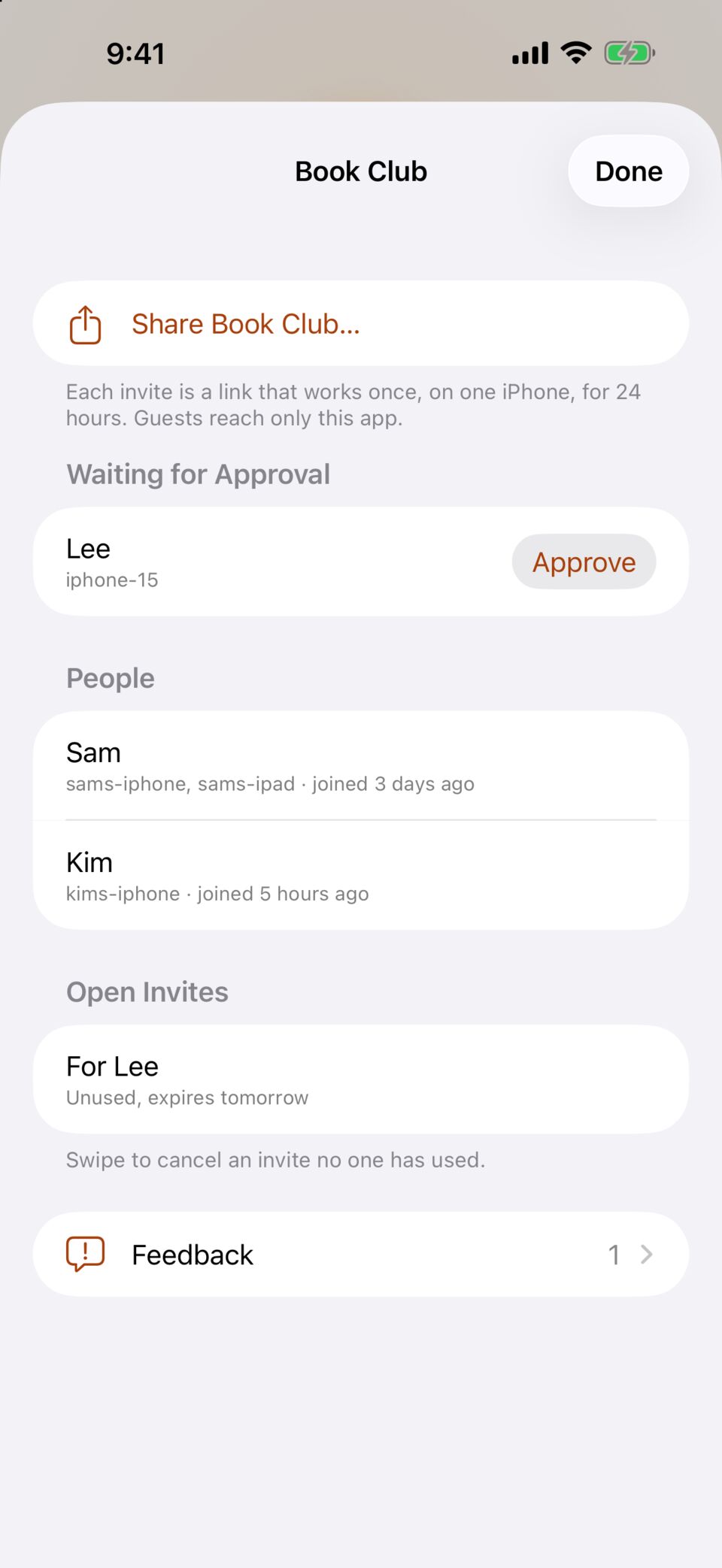
You send an invite from Ovenlight or from that computer: a link or a QR code that works once and expires after 7 days.
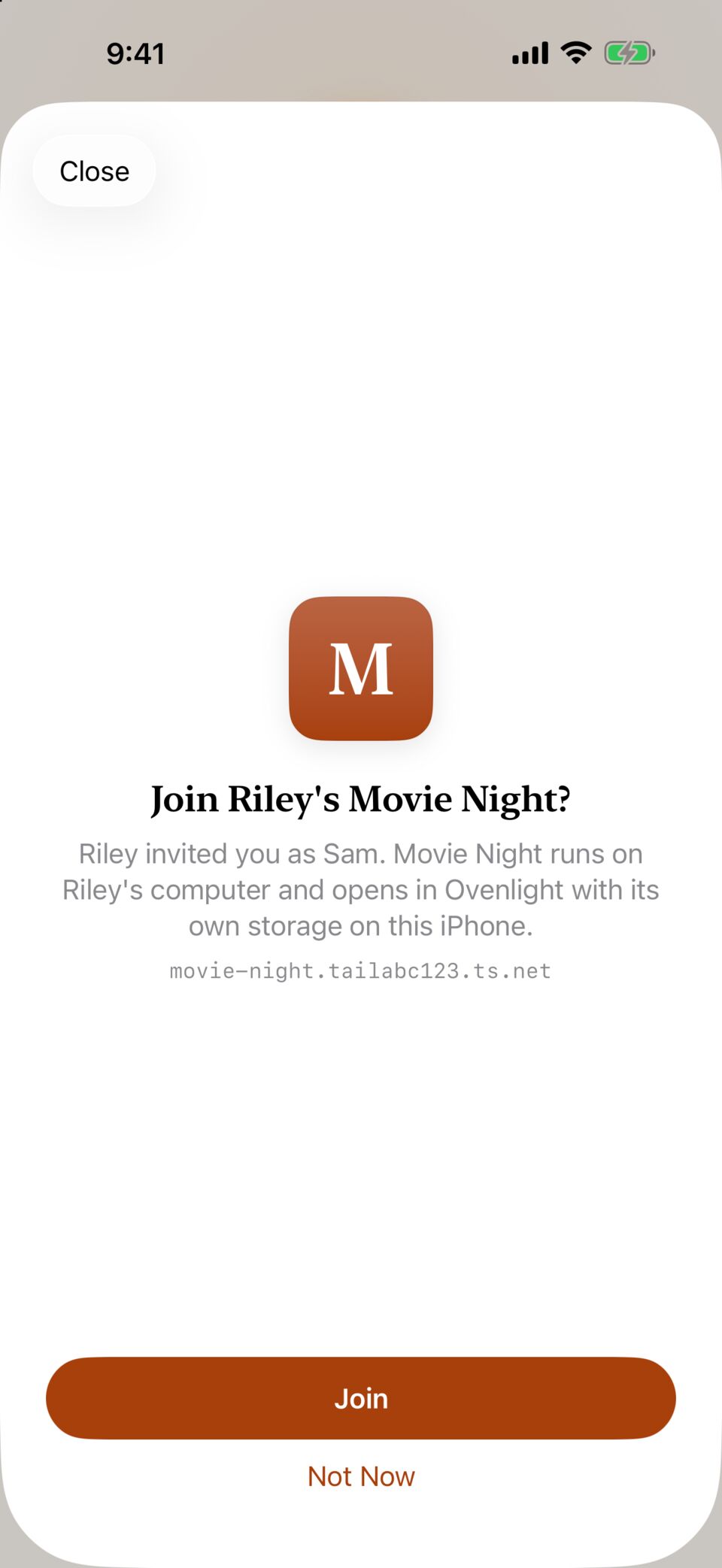
Your friend installs Ovenlight on their iPhone or Android phone, opens the invite and taps Join. That's all they do. They don't need a computer, an account or anything else.
The app shows up in their Ovenlight marked with your name, and they can send you feedback from inside it. Your coding agent can read that feedback, screenshot included, and fix the app.
Like real apps, but yours
Your apps, full screen
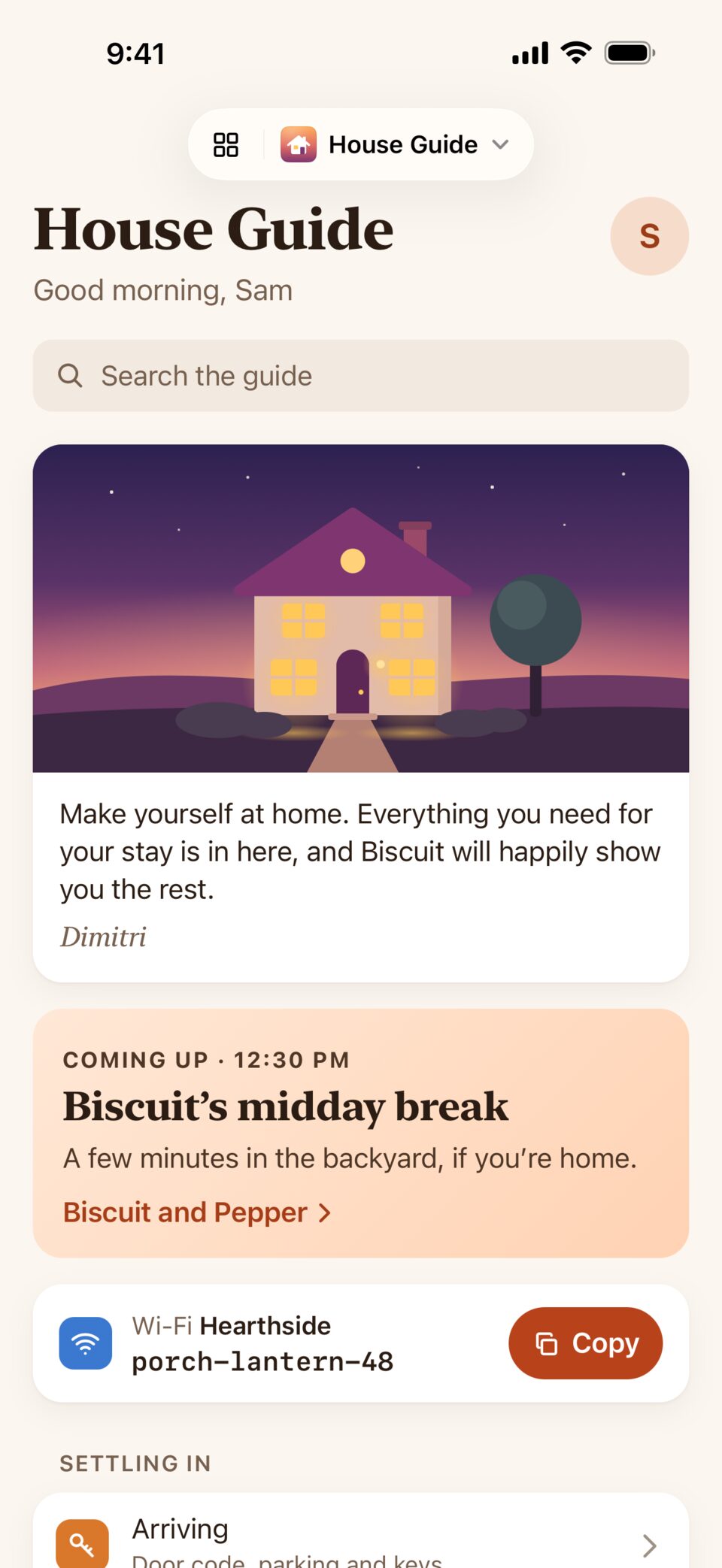
Each app opens full screen from its own icon in a launcher that works like your phone's home screen. There are no tabs to hunt through, and each app keeps its storage separate from the others.
A private connection, built in
Ovenlight reaches your computers over your own Tailscale network through a connection built into the app. Your phone doesn't need a VPN or the Tailscale app.
One unlock
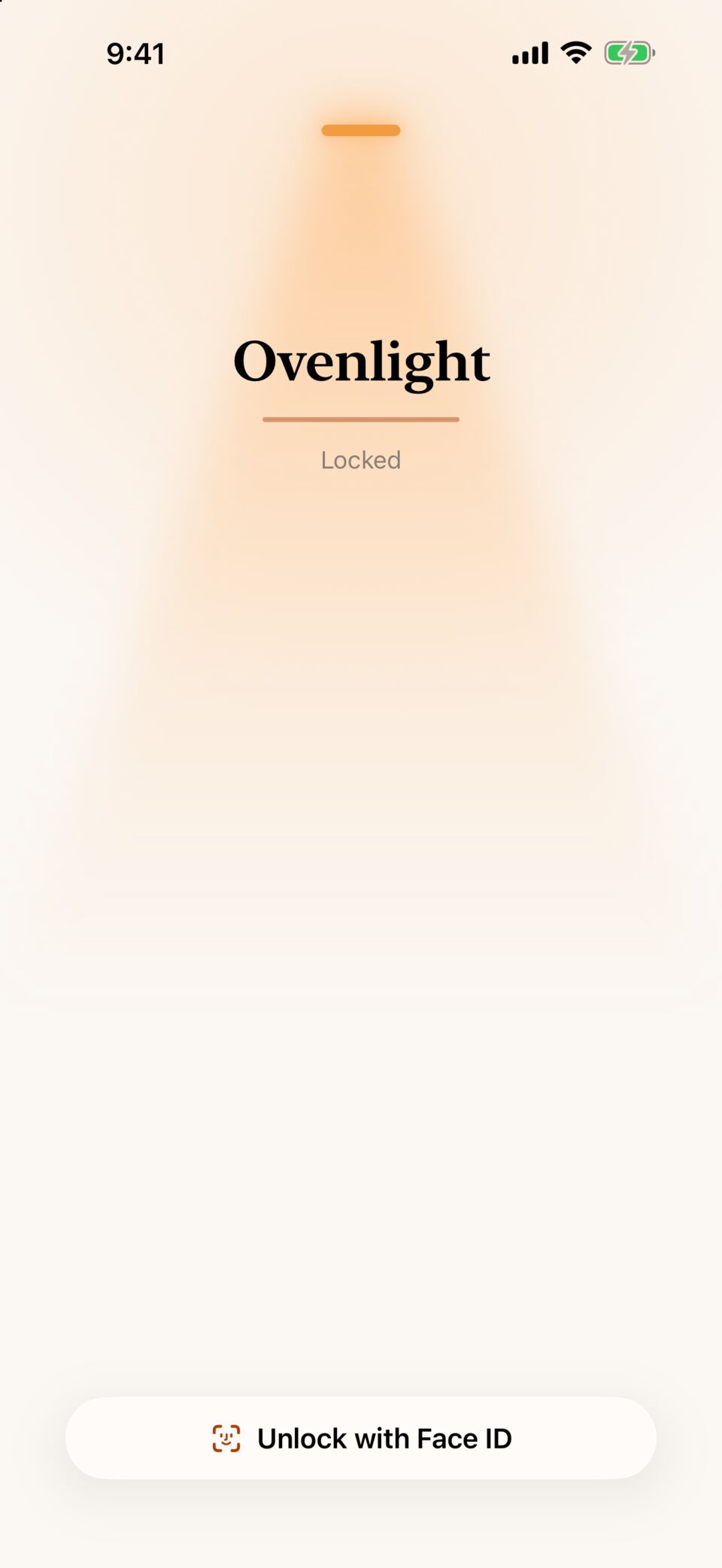
Unlock Ovenlight the way you unlock your phone, and all your apps open at once. While Ovenlight is locked, no app can use the camera or microphone.
Share one app, not your computer
A friend you invite opens that one app and can't reach any of your other devices.
Why not a public link or a VPN?
A public link puts the app on the public internet, where it has to keep strangers out on its own. A VPN works for you, but each friend would need a VPN app and an account. With Ovenlight they get one app with its own icon and nothing to set up, and you can take it back whenever you like. Nothing passes through our servers, and Ovenlight has no accounts, analytics or ads.
Where your apps run
Your laptop
Start today, on the computer you have. Your apps work while it's plugged in and awake, and once you change one setting, they stay up with the lid closed.
Set up your computerA computer at home
Keep a Mac mini, a spare PC or an old laptop on at home, and your apps open any time. Your data stays in your house.
Run your own serverA server you rent
Can't keep one at home? A small cloud server works too. It's the provider's computer, so your apps and their data sit on its disk, and its terms apply.
Rent a serverWhat you need
You need Ovenlight on an iPhone with iOS 18.1 or later, or on a phone with Android 10 or later. That's all the people you share with need.
To run your own apps, you also need a computer that stays on and awake while anyone uses them, the Ovenlight connector on it, and a Tailscale account. The connector runs on a Mac with macOS 13 or later (kept logged in), on Linux with systemd, and on Windows 11.
Ovenlight and the connector are open source. Set up your computer.
Your app is ready. Put it on your phone, and theirs.